Start with a question.
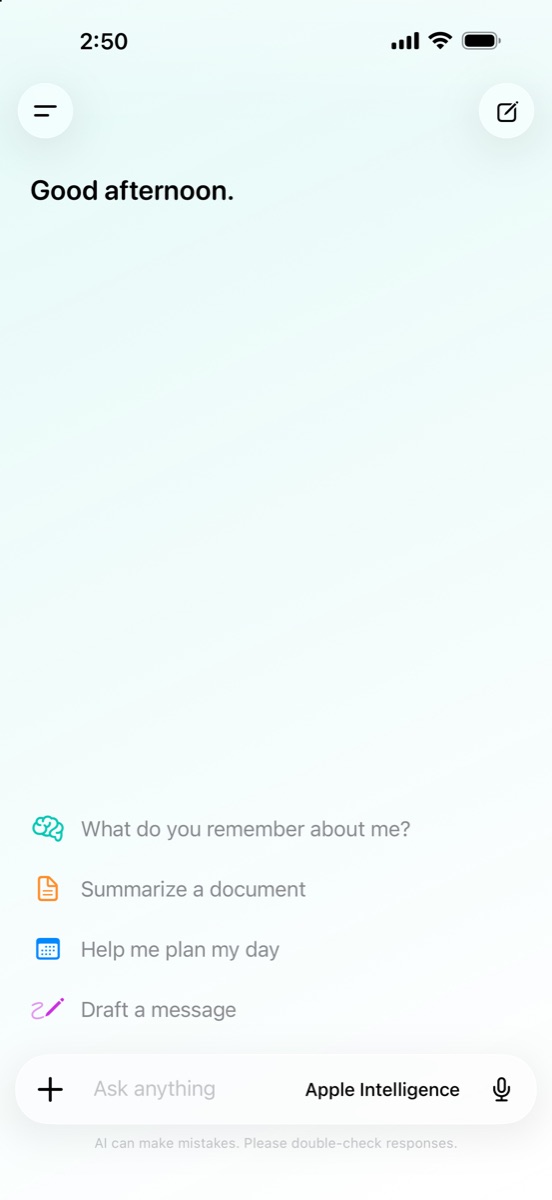
Get help thinking, writing, planning, or simply finding the next step.
 MyLokAI
Get the app
MyLokAI
Get the app
Ask the big questions. Work through the small ones. MyLokAI brings capable AI to your iPhone and iPad, with your conversations kept under your control.
One app, many ways to begin
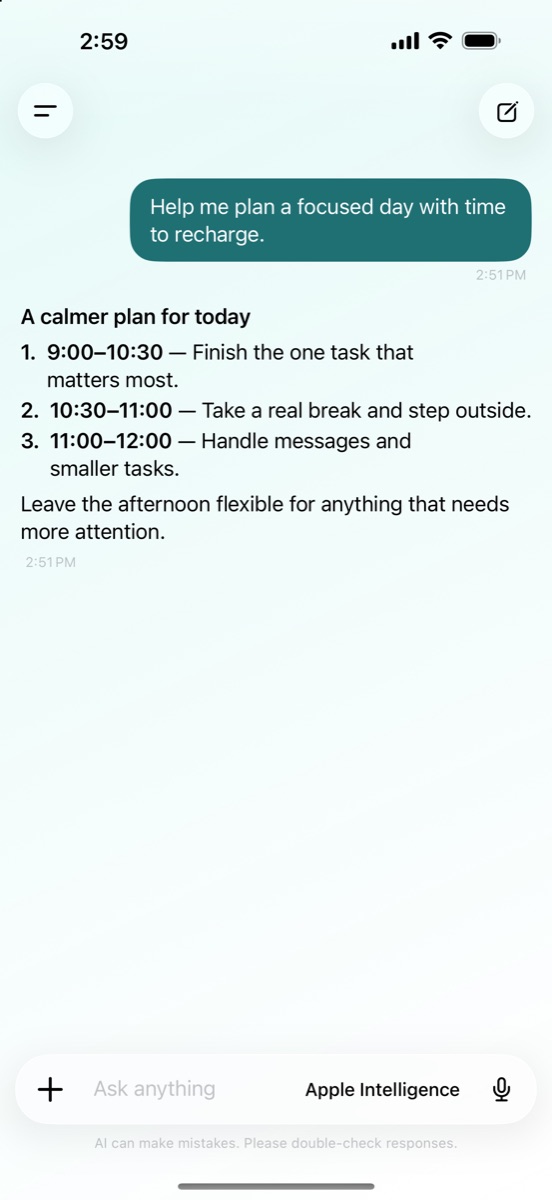
A quick question can turn into a plan, a draft, or a better understanding of what you already have. MyLokAI makes space for all of it.
Get help thinking, writing, planning, or simply finding the next step.
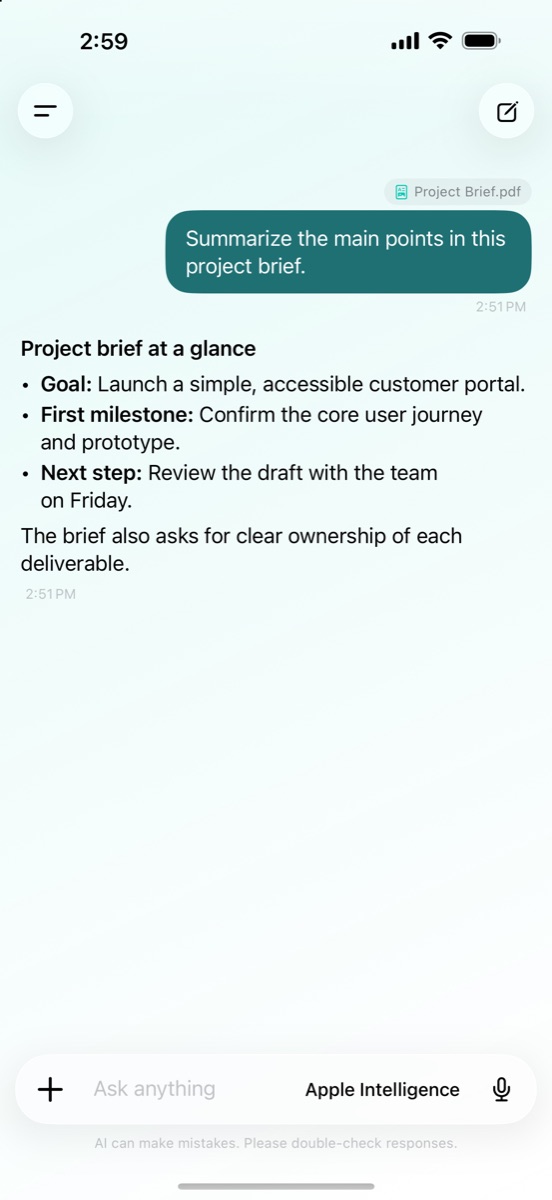
Attach a document or image. Ask about its contents without moving the conversation to another app.
Use Apple Intelligence on supported devices or download an open-source model to run locally. Save useful memories and create personas for different tasks.
More than a blank chat
Give your conversation a starting point. Add an image or document, ask a follow-up, and move from information to understanding in your own words.
Your space stays yours
AI responses from Apple Intelligence or a downloaded model are generated on your device. Your chats are stored there by default. There is no MyLokAI account to create.
In the upcoming update, you can choose to sync supported chats through your private iCloud database. Model downloads, web search, and weather use the network only when you choose those features.
How MyLokAI handles your dataWhenever you are ready
Open MyLokAI and start wherever you are.
Download on the App Store